 Purple Sector
XRK to CSV: get MyChron data into a spreadsheet
Convert a MyChron or AiM .xrk or .xrz file to CSV: Race Studio 3 on Windows, or every channel and lap in one CSV from your browser, free.
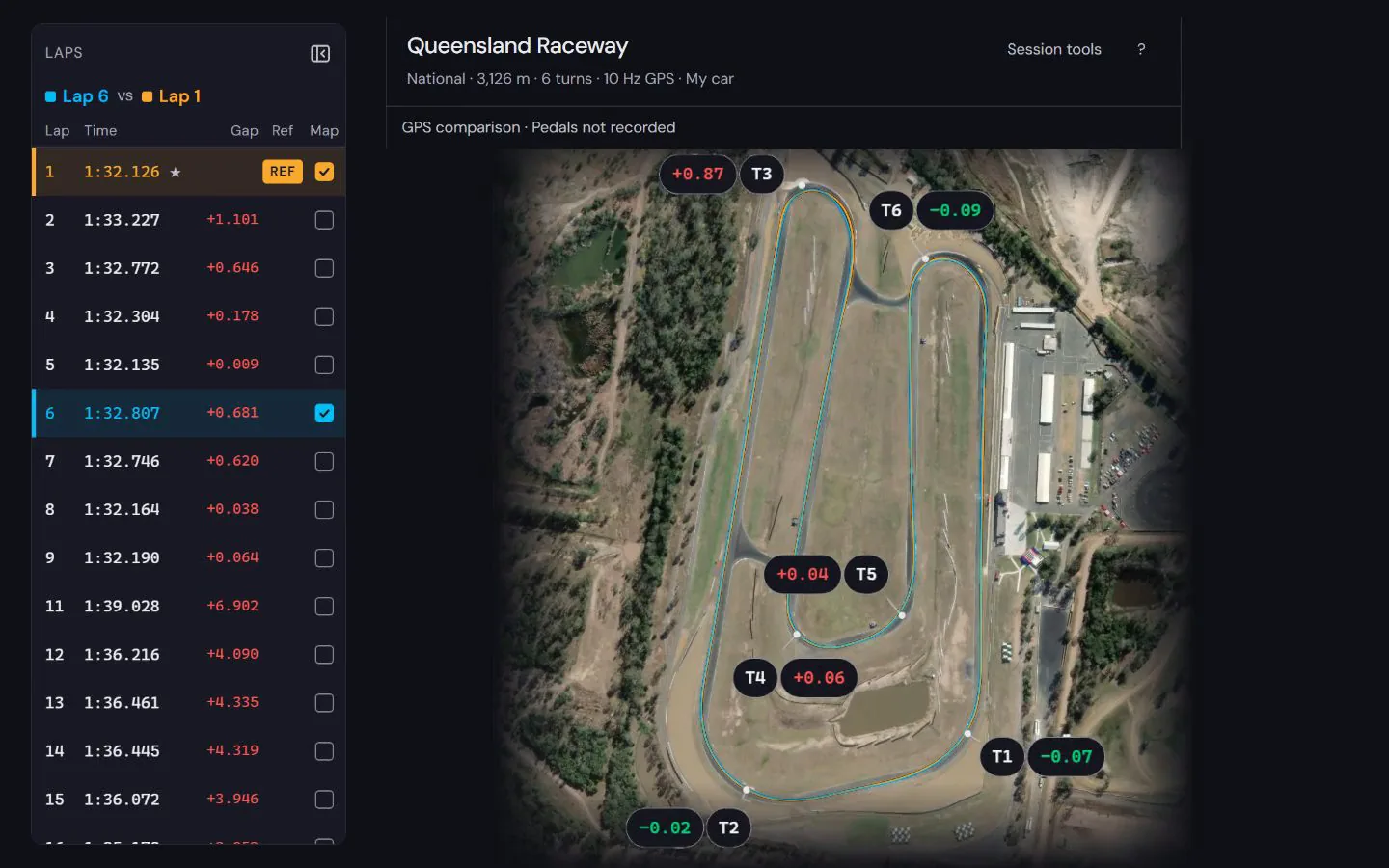
To get a MyChron or AiM session into a spreadsheet, export it as CSV. On a Windows PC, AiM’s Race Studio 3 can export a session in its Race Studio 2 .csv format. On any computer, open the .xrk or .xrz in Purple Sector in your browser and, with a free account, choose Download whole session as CSV in the Data tab: every channel it reads, with each row’s lap, in one file.
Which way suits me?
| Race Studio 3 | Purple Sector | |
|---|---|---|
| Runs on | Windows only | Any computer with a browser, Mac included |
| Install | Race Studio 3, a free download from AiM | Nothing; a free account opens the Data tab |
| What you get | A session in the Race Studio 2 .csv format | Every channel Purple Sector reads from the file, one row per GPS fix, with lap number, lap time and time into the lap |
| Where the file goes | Stays on your PC | Made in your browser; the CSV is not uploaded |
Race Studio 3
- Runs on
- Windows only
- Install
- Race Studio 3, a free download from AiM
- What you get
- A session in the Race Studio 2 .csv format
- Where the file goes
- Stays on your PC
Purple Sector
- Runs on
- Any computer with a browser, Mac included
- Install
- Nothing; a free account opens the Data tab
- What you get
- Every channel Purple Sector reads from the file, one row per GPS fix, with lap number, lap time and time into the lap
- Where the file goes
- Made in your browser; the CSV is not uploaded
AiM also exports its data reports to Excel or CSV. A report is a summary table, not the recorded samples.
How do I convert an XRK file to CSV in my browser?
- Get the session file off the logger: an
.xrk, or the compressed.xrz. See getting the file off a MyChron or AiM Solo. - Go to purplesector.dev/analyse in Chrome, Safari or Edge and open the file. The session opens with its laps and track map.
- Open the Data tab. It needs a free account, with no card.
- Choose Download whole session as CSV. The file takes the session’s name:
session-name.xrzbecomessession-name.csv. - Open the CSV in Excel, Google Sheets or Numbers.
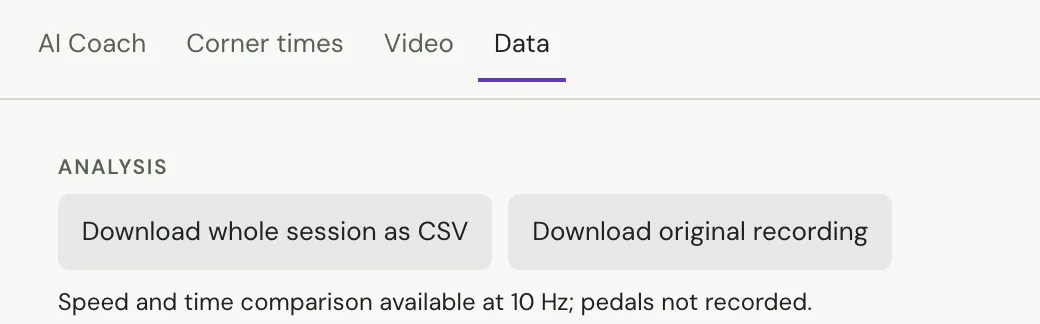
The same button is there for every file Purple Sector opens, not only AiM’s: a VBOX .vbo, a RaceBox or RaceChrono export, a MoTeC .ld, a Garmin .fit and the rest in which file to bring.
What is in the CSV?
- Time (s): seconds from the start of the session.
- Lap: the lap number, or
outandinfor the runs from and to the pits. - Lap time (s) and Time in lap (s): that lap’s time, and how far into it the row is.
- Lap type: what kind of lap it was, such as flying, out, in or traffic.
- Every channel after that, named as the logger names it, with its unit in brackets:
RPM (rpm),Water Temp (°C),GPS Speed (km/h). A channel Purple Sector works out itself, such as distance, says "derived".
For an .xrk, each row is one GPS fix: 10 a second from a MyChron 5, 25 from a MyChron 5S or 6. A channel the logger recorded faster than that, such as RPM, is averaged over each fix; a slower one is filled in between readings. An empty cell means no reading, never a zero.
Here are the first rows of lap 2 from the public Norwell sample, a VBOX file, with some columns left out:
| Time (s) | Lap | Lap time (s) | Time in lap (s) | Lap type | velocity (km/h) | Engine_Speed (rpm) |
|---|---|---|---|---|---|---|
| 139.5 | 2 | 67.04991706 | 0.07359428345 | flying | 69.854 | 5164 |
| 139.6 | 2 | 67.04991706 | 0.1735942834 | flying | 70.591 | 5217 |
| 139.7 | 2 | 67.04991706 | 0.2735942834 | flying | 71.589 | 5268 |
Will a long session open in Excel?
A 35-minute MyChron 5 session with 41 channels makes a CSV of about 6 MB and 20,927 rows; Excel takes up to 1,048,576 rows, so it opens. The file is built in pieces in your browser, so a phone can make it too.
Does Excel show °C and other symbols properly?
The file starts with a marker that tells Excel it is UTF-8, so units such as °C and names with accents come through as written.
Can I read an XRK file with code?
libxrk is an open-source Python library under the MIT licence that reads .xrk and .xrz files into PyArrow tables, which convert to a pandas DataFrame.
Questions
Do I need Race Studio to convert XRK to CSV?
Race Studio 3 is one way, on Windows. Purple Sector reads the .xrk or .xrz as it is and writes the CSV in your browser, on a Mac or PC.
Is the CSV uploaded anywhere?
The analysis runs in your browser, and the CSV is made there from the session you opened, not uploaded. A session you open while signed in is saved to your account so it follows you between devices; see the privacy policy.
Can I get one channel instead of the whole session?
In the Data tab, Inspect recorded channels shows one channel at a time, for the whole session or one lap, and exports that range as CSV.
More: Race Studio 3 on a Mac · How to read MyChron data · Kart data loggers compared · MyChron software and apps · AiM Solo 2 software and apps
Sources, checked 23 October 2026
- Race Studio 3 can export a session in Race Studio 2 .drk or Race Studio 2 .csv format; reports export to Excel or CSV: aim-sportline.com/docs/racestudio3/manual/html/analysis.html
- Race Studio 3 runs on 64-bit Windows only; other operating systems through a virtualised Windows: aim-sportline.com/docs/racestudio3/manual/html/faq.html
- Race Studio 3 is a free download: aim-sportline.com/en/sw-fw-download.htm
- MyChron 5 records GPS at 10 Hz and the 5S at 25 Hz: dwls.aim-sportline.com/doc/eng/mychron5/aim_mychron5_user_guide_104_en
- MyChron 6 records GPS at 25 Hz: aim-sportline.com/download/technical-sheets/aim_mychron6.pdf
- libxrk: MIT-licensed Python library that reads .xrk and .xrz into PyArrow tables, convertible to pandas: pypi.org/project/libxrk
- Excel worksheets hold up to 1,048,576 rows: support.microsoft.com/en-us/office/excel-specifications-and-limits-167
- Purple Sector opens .xrk and .xrz as they are; getting the file off a MyChron: purplesector.dev/guides/mychron-aim-xrk-files