 Purple Sector
Analyse Alfano ADA CSV exports in your browser
Export an Alfano session as CSV from the ADA app or ADA for Windows, open it in your browser and compare laps against your quickest.
- .csv
How do I get the session file from Alfano ADA?
Bring: the session exported as CSV from ADA
On a computer
- In ADA for Windows, download the session by the A4540 USB cable or the A4550 wireless dongle (neither comes in the box).
- Export the session as CSV.
- Open that file here, as ADA wrote it.
On a phone
- On the logger, turn on sharing (on an Alfano 7, the centre right button).
- In the ADA app, download the session over Bluetooth.
- Export the session as CSV, then choose “Save to Files” (iPhone) or Downloads (Android).
- Back here, open your lap file and pick it from “Recents” (iPhone) or Downloads (Android).
Watch out: Don’t open and re-save the CSV in Excel. It can change the separators.
Vendor instructions: Alfano ADA software
What else should I know about the file?
Limits to know
- ADA covers the Alfano 7, Alfano 6, PRO III EVO and ADSGPS.
- The export does not say whether speed is in km/h or mph, or which G-force axis is which, so both are matched to the GPS track: Gf.
- X and Gf.
- Y are used as the kart’s g only where they follow it, and shown as worked out rather than measured.
- The GPS rate is read from the file too.
- Temperature and rear-speed channels keep their Alfano names.
Is speed in km/h or mph?
The export does not say, so Purple Sector matches it to the GPS track. G-force, temperature and rear-speed channels keep their Alfano names.
What do I see once the file opens?


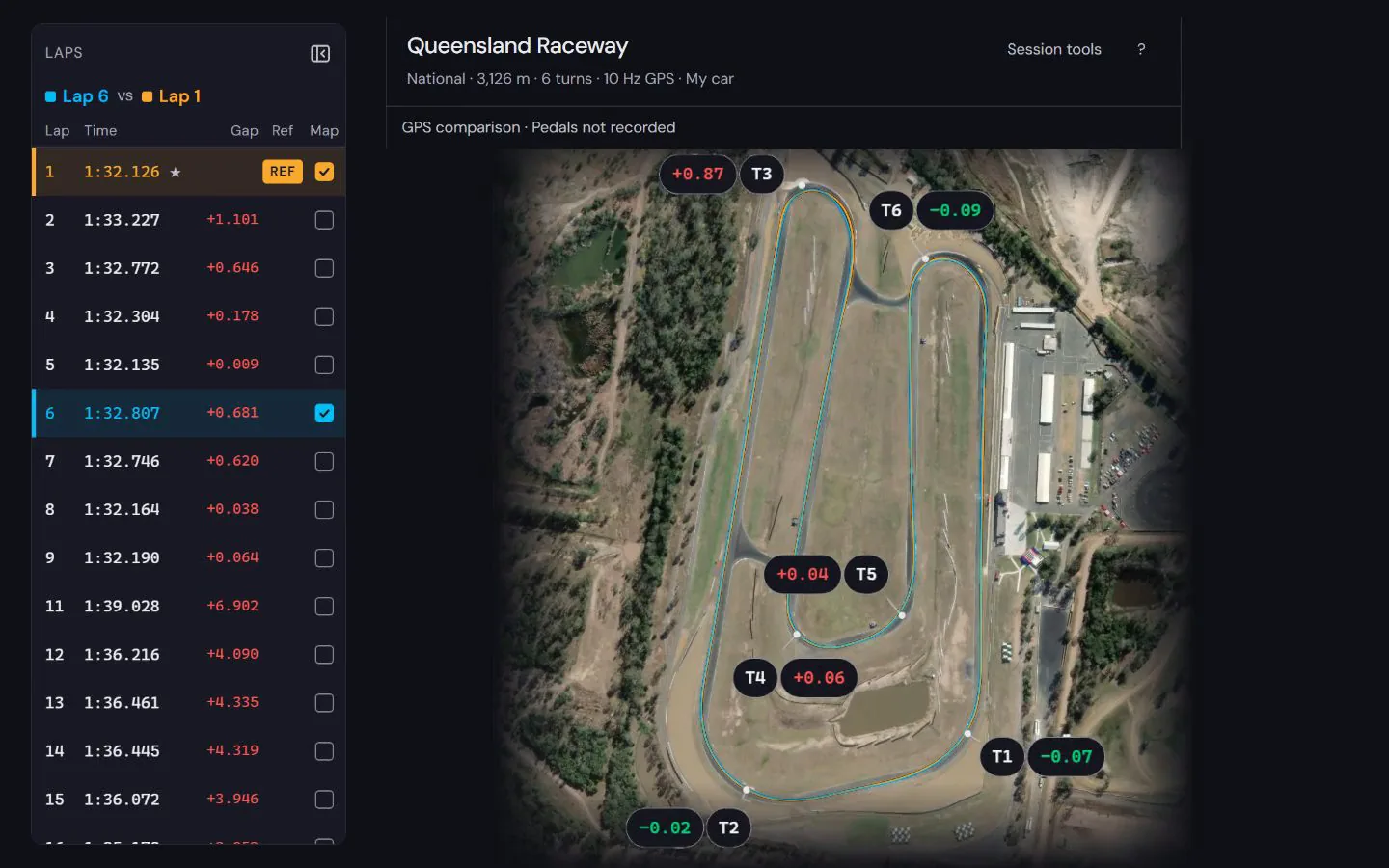
See how to read the speed and time difference in a worked lap comparison at Norwell, using a public sample recording and its stated evidence limits.
How to compare laps · Circuit maps
Next: Kart data loggers compared
Popular circuits: Mount Panorama · Phillip Island · Sydney Motorsport Park · The Bend Motorsport Park · Albert Park Grand Prix Circuit · Adelaide Street Circuit · Lakeside Park · Calder Park Raceway · all circuit maps.