 Purple Sector
RaceBox data export and lap analysis
Export a RaceBox session as VBO or CSV from racebox.pro, or read a Mini S or Micro over Bluetooth in Chrome, then compare laps on a PC or Mac.
- .vbo
- .csv
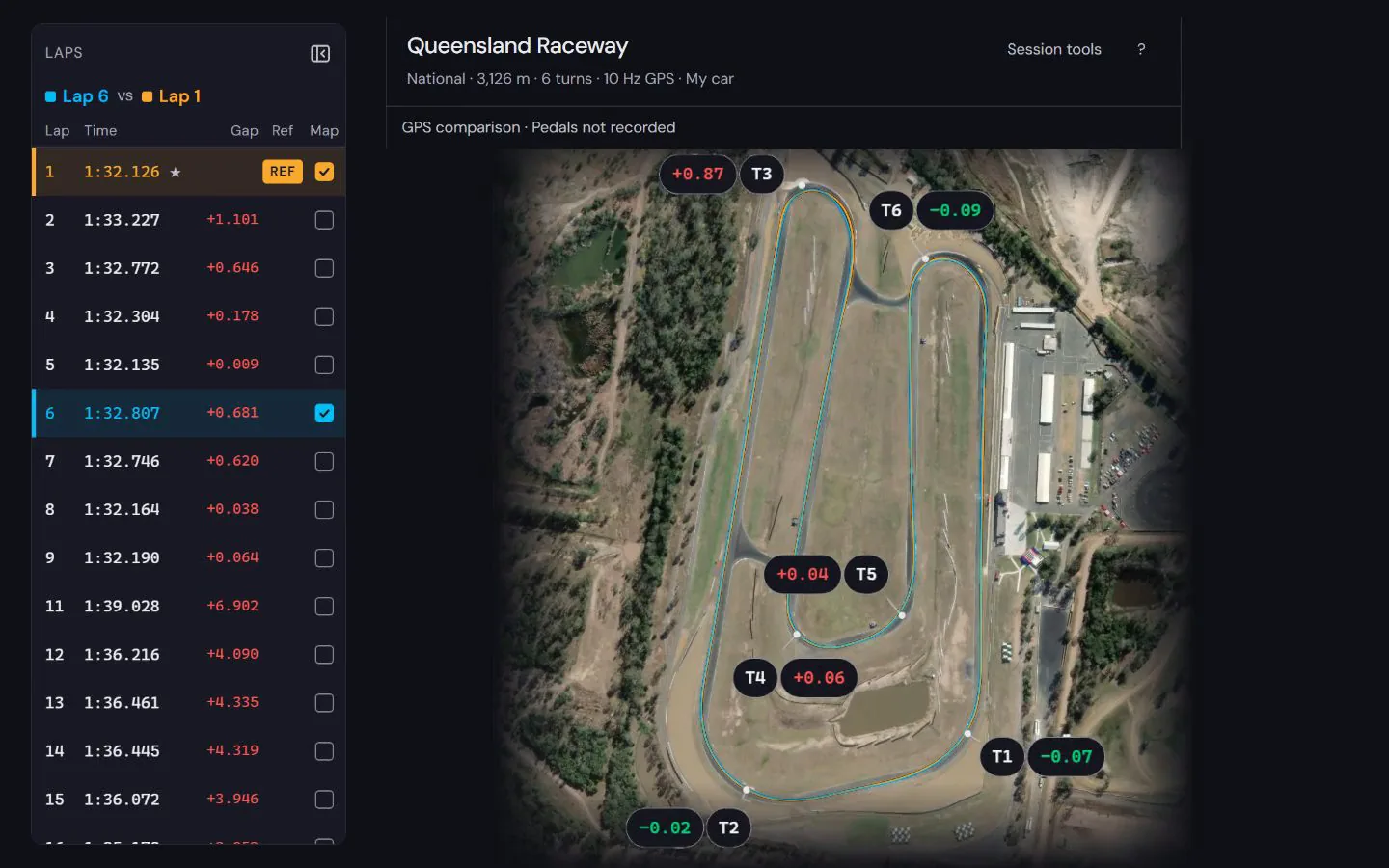
RaceBox exports happen on the RaceBox website, not in the phone app. Once the app has uploaded a session, sign in at racebox.pro, open the session under My Sessions and export it as VBO, CSV or GPX.
Because the export is on the website, a Windows PC or a Mac works. RaceBox also lists its app for Macs with Apple silicon. A Mini S or Micro records on its own, and Chrome or Edge can read its sessions straight off the device over Bluetooth.
The original RaceBox Mini needs a constant connection to the phone to record, so there's nothing on the device itself to download; export its sessions from the website.
How do I get the session file from a RaceBox?
Bring: a .vbo exported from racebox.pro
On a computer
- Open the RaceBox app with your phone online, so the session uploads.
- Sign in at racebox.pro, open “My Sessions” and open the session.
- Press the export button on the right and choose VBO.
- Open that file here.
On a phone
- Open the RaceBox app online, so the session uploads. The app itself has no file export.
- In this phone’s browser, sign in at racebox.pro and open “My Sessions”.
- Open the session, press the export button and choose VBO. It saves to Downloads.
- Back here, open your lap file and pick it from “Recents” (iPhone) or Downloads (Android).
Watch out: Choose VBO, not GPX. A GPX has no G-force data.
Vendor instructions: RaceBox session export guide
What else should I know about the file?
Limits to know
- Sessions with no laps are hidden in My Sessions: use the link at the bottom of the list to show them.
- A Mini S or Micro records on its own, and Chrome or Edge can read its sessions straight from it: Download from RaceBox (Bluetooth).
- Safari, iPhone and iPad browsers and Firefox cannot use Bluetooth from a web page, so export the session from racebox.pro there.
- The original Mini streams live to the app and keeps nothing to download.
GPS rate
The exports we have checked were recorded at 10 Hz; the hardware can also record at 25 Hz. Either is fast enough for AI coaching. What GPS can and cannot show.
Can I download a session straight from a RaceBox Mini S or Micro?
In Chrome or Edge, yes: choose Download from RaceBox (Bluetooth). Safari, iPhone and iPad browsers and Firefox cannot use Bluetooth from a web page, so use the RaceBox app’s export there.
Is there a RaceBox app for Windows?
RaceBox lists its app for iOS, Android and Macs with Apple silicon. On a Windows PC, export the session from racebox.pro in a browser and open the VBO or CSV here.
Does the original RaceBox Mini work?
It streams live to the app and keeps nothing to download, so there is no session to open from it.
What do I see once the file opens?


See how to read the speed and time difference in a worked lap comparison at Norwell, using a public sample recording and its stated evidence limits.
How to compare laps · Circuit maps
Next: How to analyse RaceBox data · Lap timer apps compared · Garmin Catalyst vs RaceBox vs AiM Solo 2 · Motorcycle lap timers compared · Track day telemetry for beginners
Popular circuits: Mount Panorama · Phillip Island · Sydney Motorsport Park · The Bend Motorsport Park · Albert Park Grand Prix Circuit · Adelaide Street Circuit · Lakeside Park · Calder Park Raceway · all circuit maps.
Sources, checked 23 October 2026
- Exports happen on the website, as CSV, VBO and GPX: racebox.pro/info/session-export
- RaceBox app on iOS 14+ and Android 10+: racebox.pro/products/mobile-app
- RaceBox app on Macs with Apple silicon: apps.apple.com/au/app/id1521988789
- Mini S records without the phone: racebox.pro/products/racebox-mini-s
- Micro records on its own: racebox.pro/products/racebox-micro
- The original Mini needs a constant connection to the phone to record: racebox.pro/products/racebox-mini