 Purple Sector
Analyse Harry’s LapTimer sessions in your browser
Export a Harry’s LapTimer session as VBO or CSV, open it in your browser and compare laps. Includes what a phone’s GPS rate can and cannot show.
- .csv
- .vbo
- .gpx
How do I get the session file from Harry’s LapTimer?
Bring: the session exported as VBO (CSV also works)
On a computer
- Export the VBO from Harry’s LapTimer on your phone and send it to your computer.
- Open it here.
On a phone
- In Harry’s LapTimer, open “Lap List” and tap a lap from the session.
- Tap the share icon, set the scope to “Session” and the type to VBO (or CSV).
- Choose “Save to Files” (iPhone) or Downloads (Android).
- Back here, open your lap file and pick it from “Recents” (iPhone) or Downloads (Android).
Vendor instructions: Harry’s LapTimer documentation
What else should I know about the file?
Limits to know
- A lap shared as Harry’s own .hlptr file opens too, with its position, speed and lap times; its OBD and g values are shown but not used for coaching, because the file does not say how they were measured.
- A GPX opens too if you have one.
- Harry’s LapTimer is a paid app, and which editions can export is not stated by the developer.
GPS rate
The recording needs GPS position at least once a second and a recorded speed channel for a corner debrief. Below 5 Hz, the AI debrief is limited to measured speed comparisons. Faster GPS can support more detail, but only where the recording provides the evidence. What GPS can and cannot show.
Is a phone’s GPS good enough for lap analysis?
It depends on the recording. GPS position at least once a second and a recorded speed channel can support a measured corner debrief. Below 5 Hz, the AI debrief is limited to measured speed comparisons. A faster external GPS receiver can provide more detail; each coaching claim still needs evidence from the recording.
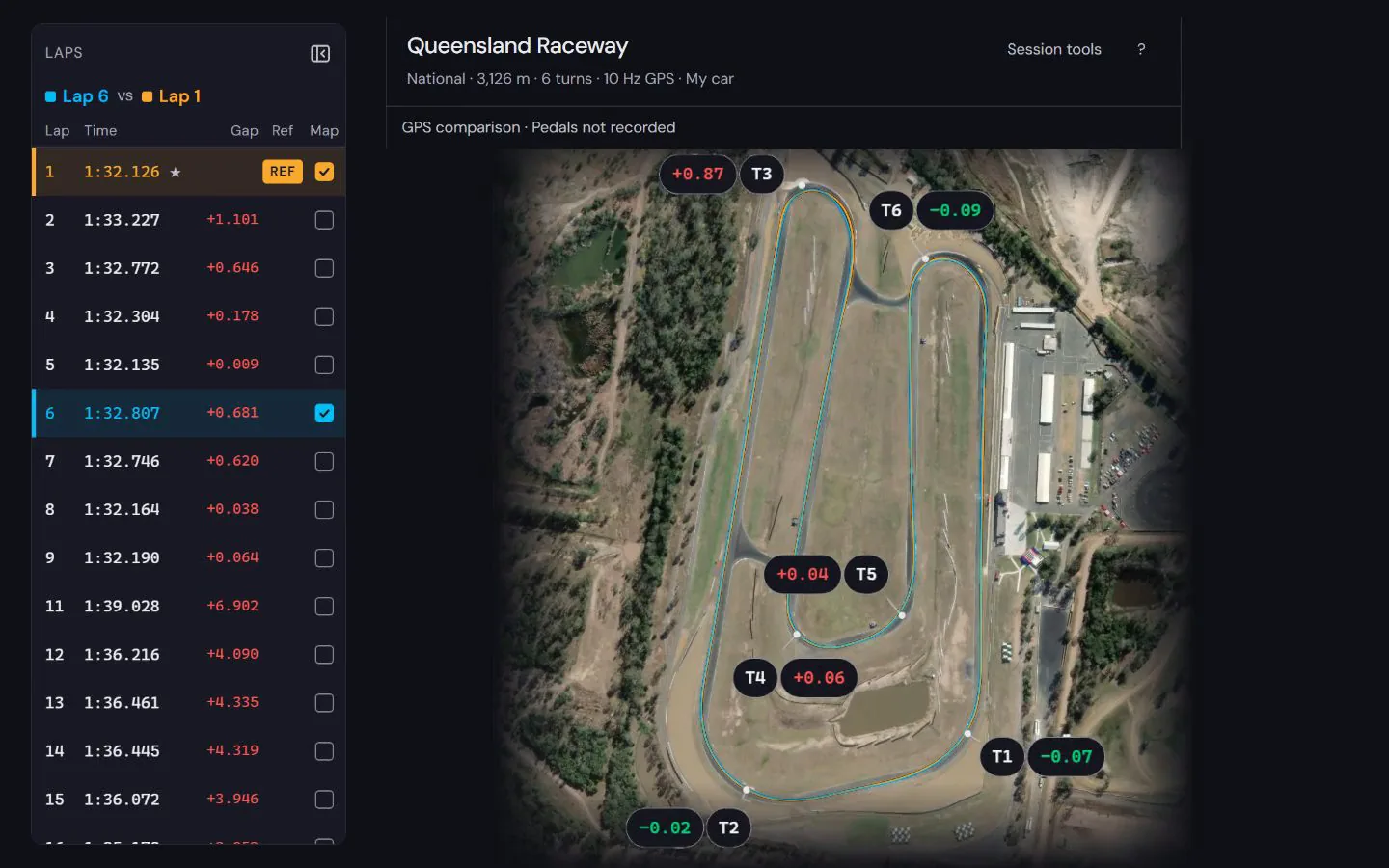
What do I see once the file opens?


See how to read the speed and time difference in a worked lap comparison at Norwell, using a public sample recording and its stated evidence limits.
How to compare laps · Circuit maps
Next: Lap timer apps compared · Motorcycle lap timers compared
Popular circuits: Mount Panorama · Phillip Island · Sydney Motorsport Park · The Bend Motorsport Park · Albert Park Grand Prix Circuit · Adelaide Street Circuit · Lakeside Park · Calder Park Raceway · all circuit maps.